

Say Hello!

Scroll


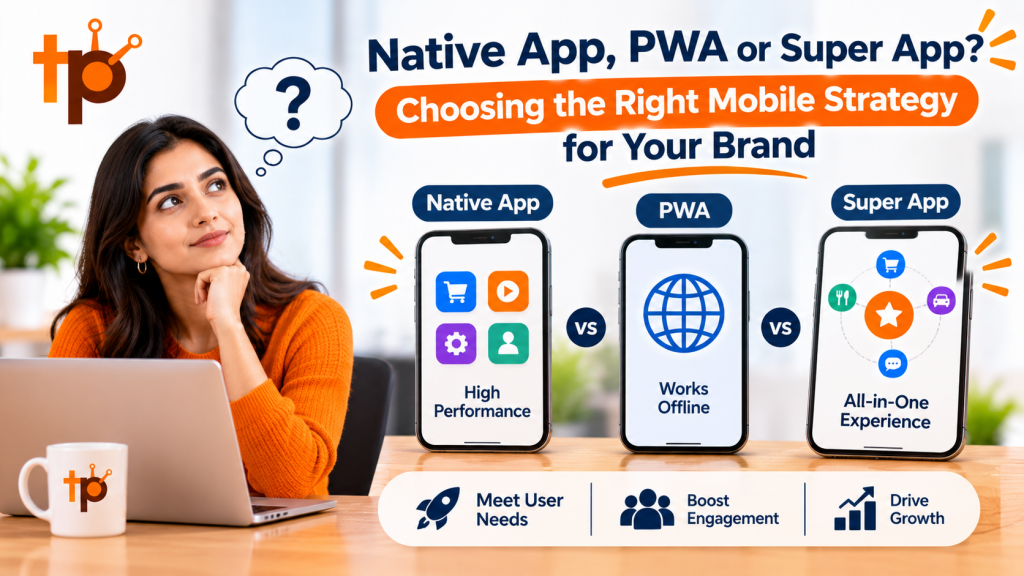
A mobile app development strategy begins with a request almost every brand makes: “We need an app.” It is also one of the most expensive requests to get wrong. Some brands build a full native app that few people download. Others stick with a slow mobile site when an app would have changed their business.
The right mobile app development strategy starts with a simple question: what do your users need to do, and how often?
Native app vs cross-platform vs PWA: which is right for you?
| Option | Best for | Strengths | Trade-offs |
| Native app (iOS, Android) | Frequent use, complex features, payments | Best performance and device access | Two codebases, higher cost |
| Cross-platform (React Native, Flutter) | MVPs and fast launches on both stores | One codebase, quicker builds | Some limits on heavy device features |
| Progressive web app (PWA) | D2C stores, content, occasional use | No download, works in the browser | Less visible in app stores |
| Super app | Fintech and platforms with many services | One place for many daily tasks | Large build, high complexity |
When is a progressive web app enough?
A progressive web app loads like a website but feels like an app. It can work on slow networks and be added to the home screen. For a D2C fashion brand or a content-led business, it often gives most of the benefit at a fraction of the cost.
PWAs sit close to web development. Brands weighing this route can look at PWA and web development work alongside app options.
When does your brand need a native or cross-platform app?
Choose a native or cross-platform app when users come back often, need offline access, or rely on features like real-time payments, KYC checks or push notifications. Examples include a fintech super app with real-time KYC, or an Android commerce app with offline sync for smaller towns.
How UI/UX design and testing improve app retention
Downloads mean little if people uninstall within a week. UI/UX design that is accessible and simple keeps them. Gamified onboarding can help users through the first steps.
Before launch, test across devices and run load tests, especially for apps that face flash-sale traffic spikes.
How app store optimization helps after launch
App store optimization (ASO) helps people find the app: clear titles, strong screenshots, tested store assets and steady reviews. After launch, plan updates in sequence and track analytics to see where users drop off. More on build and launch support is on the mobile app development page.
How Team Pumpkin approaches mobile app development
Team Pumpkin’s Tech Studio builds iOS, Android, cross-platform and hybrid apps, PWAs, campaign and utility apps, and enterprise solutions with backend and ERP integration. Team Pumpkin’s process covers UI/UX design, multi-device QA, load and stress testing, Play Store and App Store deployment, and ASO.
Apps are custom-built, not one-size-fits-all, with support and performance optimisation after launch.
Frequently Asked Questions
1.Is a PWA better than a native app?
For occasional use and ecommerce browsing, often yes. For frequent, feature-heavy use, a native or cross-platform app is stronger.
2.What is app store optimization?
It is improving an app’s store listing, including title, screenshots and reviews, so more people find and install it.
3.Why does load testing matter?
It shows whether an app can handle traffic spikes, such as a flash sale, without crashing.
4.What is cross-platform app development?
It means building one app for iOS and Android from a single codebase, using frameworks such as React Native or Flutter.
5.What testing does an app need before launch?
Multi-device QA and load testing at the very least, plus stress testing for apps that expect traffic spikes.
Conclusion
The best app is the one your users actually need. Match the format to their habits, design for retention, test hard, and treat launch day as the first step of the app’s growth. Team Pumpkin follows this path for every app it builds.