

Say Hello!

Scroll


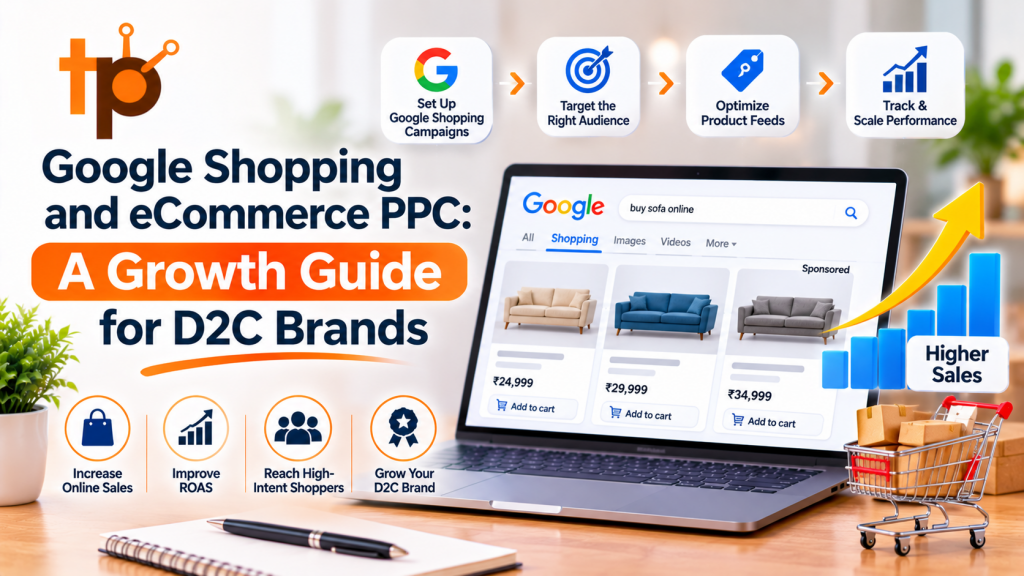
eCommerce PPC works best when someone searches for a specific product, because they are already close to buying. Shopping ads show them a picture, a price and a store name before they even click. For D2C brands, that is about as close to the checkout as advertising gets.
But eCommerce PPC can also burn money quickly. Poor feeds, broad targeting and weak landing pages turn high-intent clicks into abandoned sessions. This guide covers what separates the two outcomes.
How to optimise your Google Shopping product feed
Google Shopping ads are built from your product feed, not from keywords you write. The feed is the campaign.
• Write titles that match how people search, with brand, product type and key attribute
• Use clear, high-quality images on clean backgrounds
• Keep prices and stock in sync with your store
• Fill in every optional attribute, such as colour, size and material
• Fix feed errors in Google Merchant Center before scaling spend
Shopify stores can connect directly to Google Merchant Center, which keeps feed data current.
How to structure eCommerce PPC campaigns by margin
Not every product deserves the same bid. Group products by margin and performance, so hero SKUs get the budget they earn and low-margin items do not drain it.
| Product group | Bid approach | Goal |
| Hero SKUs with strong margins | Aggressive | Win volume and visibility |
| Steady sellers | Balanced | Protect ROAS |
| New launches | Test budget | Gather data quickly |
| Low-margin items | Conservative | Avoid losses |
How do remarketing campaigns recover lost buyers?
Most visitors do not buy on the first visit. Remarketing campaigns based on site visits or cart abandonment remind them of the exact product they viewed.
Display and YouTube ads extend this further, with bumper and skippable video formats for awareness and retargeting.
Amazon ads alongside Google Shopping
For many brands, Amazon is the second storefront. Amazon Sponsored Products and Display ads work alongside Google Shopping to cover both search habits.
How to test and optimise eCommerce PPC
Run creative and ad copy tests to lift click-through rate. A/B test landing pages. Adjust bids by geography, and move the budget in real time toward what is converting. Brands that want this managed daily often bring in specialist PPC management services.
How Team Pumpkin approaches eCommerce PPC
Team Pumpkin’s eCommerce PPC covers Google Shopping feeds, Shopify promotion through Google Merchant Center, Amazon Sponsored Products and Display ads, and smart shopping campaigns with dynamic pricing insights. Team Pumpkin’s strategists are Google Ads certified, and the agency is a Google Partner.
Campaigns are ROI-first, with custom dashboards and dedicated campaign managers. Faster product pages make every click work harder, so many brands pair ads with speed-optimised Shopify stores.
Frequently Asked Questions
1.What is the difference between Shopping ads and search ads?
Shopping ads use your product feed and show images and prices. Search ads are text ads triggered by keywords you choose.
2.Why is my Shopping campaign not spending?
Feed errors, disapproved products or low bids are the usual causes. Check the Merchant Center first.
3.Should D2C brands run both Google and Amazon ads?
Usually, yes. Many buyers search on both, so covering both protects sales.
4.What is Google Merchant Center?
It is the tool that holds your product feed for Shopping ads. Shopify stores can connect to it directly.
5.How can D2C brands cut wasted PPC spend?
Use negative keywords, adjust bids by location and margin, and move budget to the products that convert.
Conclusion
Shopping ads reward brands that treat the feed, the landing page and the budget as one system. Get those right, and paid search becomes your most dependable sales channel. Team Pumpkin runs Shopping campaigns on that principle.